

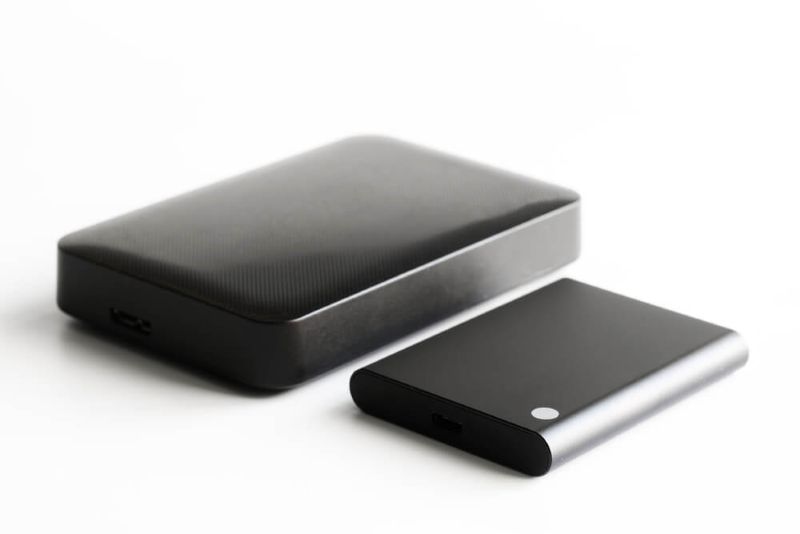
It used to be simple. You’d buy a hard drive, stick it in your computer, and forget about it. Now, storage feels a lot trickier. Solid-state drives (SSDs) promised speed, and suddenly everyone cares about performance, but old-school hard drives (HDDs) still give you more space for your money.
So, when someone asks about SSD vs HDD, what they really mean is: Should I go for speed or for space? Do I want fast performance or just plenty of room for files? Here’s how to figure that out in a way that actually makes sense for daily life.
Before you look at speed or price, it helps to know the basic difference. It’s not just about how they work inside – it affects how your computer feels.
SSD drives use flash memory. That means there are no moving bits inside, so when you click to open something, your data’s right there. No waiting for a mechanical arm to swing around. Everything pops up fast.
What does that feel like?
Honestly, once you use an SSD, slowdowns feel ancient.
HDDs rely on spinning disks and a little mechanical arm – think record player or a vintage tape deck. When you want a file, it physically moves to find it.
That means:
But HDDs aren’t obsolete. They’re still huge in situations where space is more important than speed.
Here’s where things get interesting. Speed and capacity rarely come cheap together, so you’ve got to pick what matters more.
Switching to an SSD makes even an old system feel fresh. Booting up takes seconds, not a minute. Apps launch instantly. Files transfer quickly.
Once you get used to SSD speed, going back feels painful. People grab SSDs for:
It’s not just about convenience. You get more done, faster.
If you work with big files, speed isn’t everything — you need space. And HDDs give you a lot more for the price.
Great for:
It’s the old tradeoff: Fast access or lots of space. Most people split the difference and use both.
Don't Miss: Best Graphics Cards for Gamers in 2025: Top Picks Compared
Both have improved a lot, but the gap is still very real.
SSDs are dramatically faster. Not just slightly faster. Noticeably faster in everyday use.
That difference shows up in real tasks. Booting, loading games, and opening large files. Everything feels quicker with an SSD.
Since SSDs have no moving parts, they handle physical shock much better. Drop a laptop with an HDD, and there’s a chance of damage. SSDs are far more resilient in that situation.
That said, HDDs can still last for years with proper care. They’re not fragile, just more sensitive.
This is a small detail, but it matters.
SSDs also generate less heat, which can help overall system efficiency.
Here’s where HDDs still dominate. Cost per gigabyte is much lower for HDDs. You can get several terabytes of storage for the price of a smaller SSD.
So while SSDs win in speed, HDDs remain strong in affordability and capacity.
Now comes the practical question. Which one should you actually choose? The answer depends on how you use your system.
If you mostly browse the web, stream movies, and use basic apps, pick an SSD. Everything runs faster, even cheap laptops feel peppy. For most people, 256GB or 512GB is plenty.
Games, photos, and videos benefit a lot from SSD speed. Big games load in seconds. Editing software won’t bog down. Keep your games and work files on an SSD, stash your old stuff and media collections on an HDD.
Need several terabytes? Go with an HDD. SSDs get expensive fast at that size. Keep your active projects on an SSD, store everything else on an HDD.
SSDs are light, tough, and use less power. You get better battery life and don’t stress about dropping your device.
You don’t have to pick just one. Many computers use SSDs for their operating systems and main apps, then HDDs for media and backups. You get speed where you care and space where you need it.
For a lot of people, this setup makes the most sense.
SSDs keep getting cheaper. Super-fast NVMe SSDs are now outpacing regular SATA SSDs. On the flip side, HDDs aren’t going away. They’re still unbeatable if you want massive storage for less cash.
The gap’s closing, but both have their place.
Also Read: Diagnosing Hardware Problems: A Step-By-Step Guide
Pick SSD if you want speed and responsiveness — it makes everyday computing feel effortless. Pick HDD if you need tons of storage without spending a fortune.
Honestly, the smartest move is usually a mix: SSD for speed, HDD for capacity. Build your system to fit how you actually use it.
Yes, SSDs can lose stored data over extended periods without power, especially in extreme temperatures. However, under normal conditions, data remains safe for years, making it reliable for everyday use.
Absolutely. HDDs are widely used for backups because they offer large storage at a lower cost. For long-term storage of files like photos or documents, they remain a practical option.
An SSD mainly improves load times and game installation speed. While it doesn’t directly increase frame rates, it makes gameplay smoother by reducing lag during loading sequences.
SSDs normally last for years (depending on how much you write to them). HDDs can also go the distance — they're just more likely to fail due to mechanical issues. Both are solid if you treat them right.
This content was created by AI